Cline OpenAI-Compatible Setup: Models, Tools and Cost
Configure Cline with a custom API, choose honest model limits, and evaluate a small code change by accepted patch cost instead of chat price.
Published 2026-09-29 · Updated 2026-09-29 · KeepRouter Editorial · 5 minute read
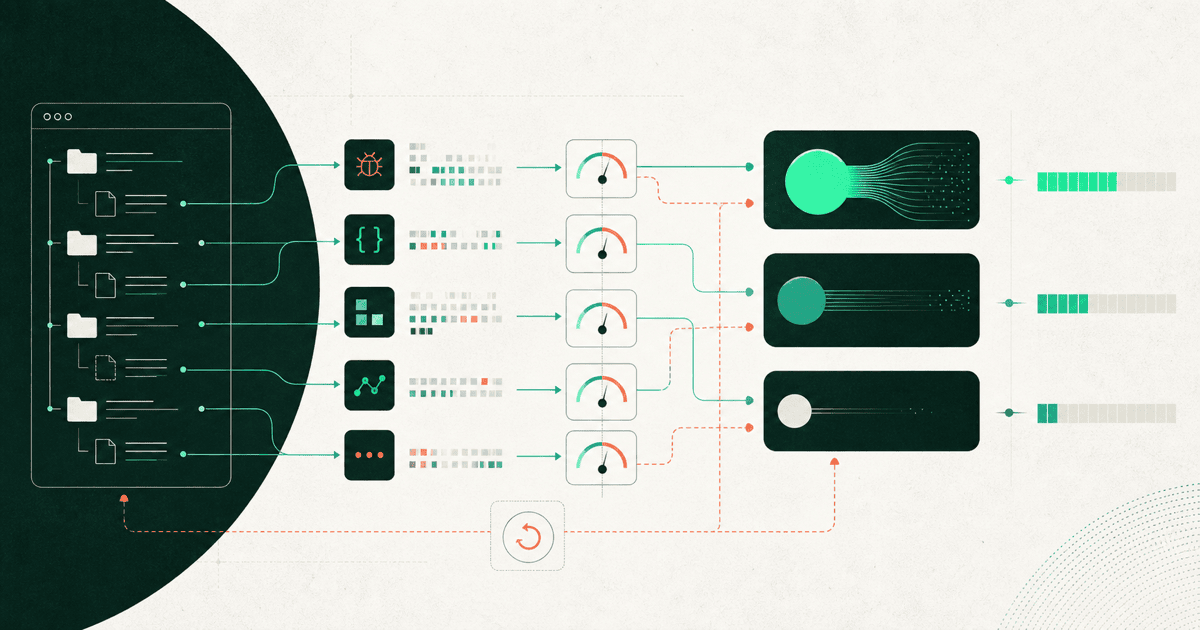
In Cline, select the OpenAI Compatible provider and enter the API base URL, service key and exact model ID. Configure context, output and image capabilities from the selected model's documented route. A model that answers a chat prompt is not automatically a suitable coding agent.
For KeepRouter, the base is https://keeprouter.com/v1. Choose a model from the current catalog whose capabilities match your Cline workflow. Treat the first task as a small coding evaluation rather than letting a new setup work through a large repository unattended.
Use the provider mode that matches the endpoint
Cline's OpenAI-compatible provider guide describes the custom URL, key, model and capability controls. This is different from selecting the native OpenAI provider and pasting an unrelated service's key. It is also different from selecting OpenRouter and expecting that provider's routing options to transfer automatically.
| Setting | What to enter | What it does not prove |
|---|---|---|
| Provider | OpenAI Compatible | Full parity with native integrations |
| Base URL | https://keeprouter.com/v1 | Access to every OpenAI endpoint |
| API key | KeepRouter credential | A ChatGPT or Claude subscription |
| Model ID | An exact supported catalog ID | Support for every agent capability |
| Context and output limits | Values supported by that route | More capacity because you typed a larger number |
| Image or tool settings | Only verified capabilities | That text success validates them |
Record the extension version with the configuration. A changed client can serialize tool definitions differently even when the model name stays the same. Keep secrets in the extension's credential UI, not in repository instructions or a checked-in settings example.
Start with a patch that has an observable answer
Use a disposable branch of a small test project. A good first task is to fix an off-by-one pagination helper: given five items and a page size of two, page three should contain the last item. Ask Cline to read the relevant function, explain the failing case, change only that function and add a focused test.
Task: Fix the final page of paginate(items, page, size).
Fixture: items=[A,B,C,D,E], page=3, size=2.
Expected result: [E].
Scope: this helper and its test only.
Before editing: explain the current failure.
After editing: run the named test and report its actual result.
This authored fixture gives you something more useful than “the assistant seemed smart.” Inspect the diff and run the test independently. A generated claim that tests passed is not equivalent to the test runner's output. If the patch changes unrelated dependencies, count that as a scope failure even if the small test succeeds.
Observe the complete tool cycle
Track whether Cline requests the right file, receives its content, proposes a change, applies it and then reads the test result. A tool name printed inside ordinary assistant text does not establish that the extension executed it. A patch shown in chat but never written to the file is another distinct failure.
Keep approvals enabled for commands and writes while evaluating a new model. Use a repository without secrets or production credentials. A coding model's reasoning ability and the permissions you grant its tools are different controls; paying for a stronger model does not remove the need for deliberate permissions.
If tool behavior fails, first confirm the selected provider mode and model support. Then inspect a redacted request and error. Increasing the context window or retrying the same prompt usually cannot repair a protocol mismatch. The tool-loop guide explains the messages that need to survive a full tool round trip.
Control context before buying a larger window
Cline's task-management documentation explains its context handling and the use of .clineignore to exclude unnecessary files. Start by excluding build output, dependencies and generated artifacts that the task does not need. Keep the actual source, test fixture and error visible.
Do not remove files merely to make a context meter smaller if the task needs them. Instead, ask the agent to name the files it is relying on. A focused change with complete relevant evidence is easier to evaluate than a repository-wide task assembled from partial summaries.
For a repeatable comparison, start a fresh task for each candidate. A long prior conversation can change token consumption and provide hints that another candidate did not receive. Preserve the task text and test project revision with the result.
Compare cost per accepted patch
An illustrative comparison might show candidate A costing $0.08 and requiring two correction turns, while candidate B costs $0.11 and finishes in one. Those are hypothetical figures, not measured KeepRouter results. Whether A is preferable depends on the final patch, review effort and elapsed time, not just the first request's cost.
Record all requests in the task, including failed calls and corrections. Also record whether the patch was accepted, tests passed and unrelated files changed. Cline's locally entered price fields may help estimate usage, but reconcile with the API service's actual usage records before making a budget decision.
Use the model catalog to shortlist suitable paid models and the cost calculator for a spending estimate. The free model can check basic API access separately; do not advertise it as proof of Cline coding or tool compatibility. Keep the existing working provider profile until the new one completes your fixture correctly.
Frequently asked questions
Can I use a ChatGPT subscription as the API key?
No. This setup requires a credential issued by the API destination. Consumer subscriptions and the gateway account are separate products and billing paths.
Should I increase context until the error disappears?
No. Match the documented model limit, remove irrelevant files and inspect protocol errors separately. A local setting cannot increase upstream capacity.
What is a useful first Cline success metric?
A small accepted patch, an actual passing test, bounded scope and the total charge for the task. A plausible chat answer alone does not demonstrate coding-agent success.
Sources reviewed
Article last reviewed 2026-09-29