Roo Code Migration: Keep Your API, Replace the Client
Roo Code is archived. Map its API settings, native tools and permissions to a replacement client, then validate a small task before moving a repository.
Published 2026-09-29 · Updated 2026-09-29 · KeepRouter Editorial · 5 minute read
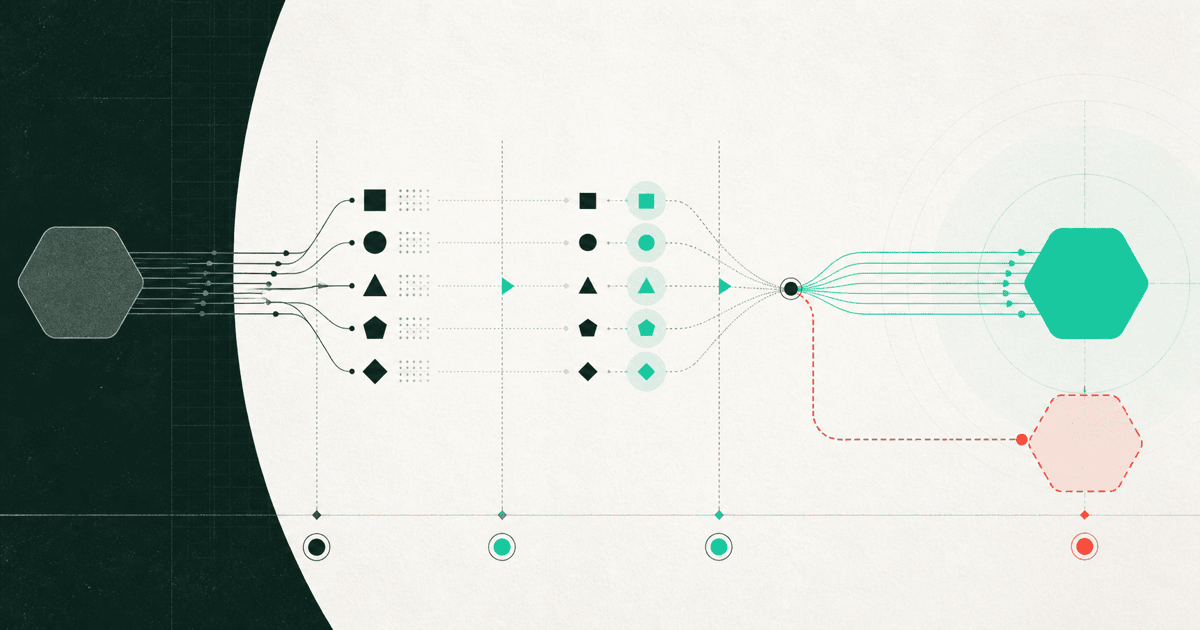
For an existing Roo Code setup, separate the model API from the coding client before migrating. You may be able to retain the same compatible API while replacing the extension, but tool execution, prompts, permissions and conversation state belong to the client and need their own validation.
Roo Code's official repository is archived and includes a shutdown notice dated May 15, 2026. This article is a migration guide for existing users, not a recommendation to begin a new production deployment on the archived extension. The repository names Cline and the community fork ZooCode as alternatives; a listing there is not proof that either fits your exact workflow.
Inventory the configuration you actually use
Record the old client version and take a local copy of non-secret settings. Keep credentials in their credential store. If an export includes a key, remove it before sharing the file or committing it. You need a map of behavior, not a public backup of secrets.
| Existing setting | Destination question |
|---|---|
| Base URL and model ID | Does the replacement support this protocol and exact model? |
| Native tool calls | Does it consume tool events and return matching results? |
| Context and output limits | Are limits interpreted in the same units? |
| Custom modes and instructions | Which rules are portable text, and which depend on client code? |
| File and command permissions | Which operations need explicit approval? |
| MCP connections | Who stores credentials and executes the tool? |
| Conversation history | Can the new client interpret tool messages without replaying actions? |
An API key is not a universal migration token. Even when two clients call the same model, each may build a different prompt, select different files or execute a different set of tools. Preserve the task outcome you need rather than trying to reproduce every old UI setting.
Preserve the native tool boundary
The archived compatible-provider documentation says Roo Code uses native tool calling exclusively, without an XML fallback. That makes tool support a real requirement for an existing workflow. A model that prints an XML-like command in text is not an equivalent replacement for a structured tool event.
Use a harmless read operation for the first comparison. Ask both configurations to read a known fixture file and report one line. Observe the actual tool invocation and result. Do not infer success from an assistant sentence saying it read the file.
Next test one write in a disposable branch. Keep the requested change tiny, such as renaming a local helper and updating its direct test. Verify the file diff and run the test yourself. Only then add shell execution, browser interaction or external tools.
Build a migration fixture with clear stop conditions
Use the same project revision for both clients. Start new conversations so one does not inherit a solved version of the task. The following is a suggested fixture, not a measured comparison:
1. Read the README and identify the documented test command.
2. Open the parser test named empty_input.
3. Explain its expected result without changing files.
4. Add one focused case for whitespace-only input.
5. Run only that test file after approval.
Stop if a credential, package upgrade or external service is required.
Evaluate each step separately. Reading correctly but failing to apply a patch points to a different problem from a tool-schema rejection. A client that asks for approval at a different point may still be suitable, but that difference should be deliberate rather than a surprise after migration.
Move instructions selectively
Custom mode prompts can include assumptions about file names, tool names or approval flows. Copying them wholesale can make a new client call tools it does not have. Extract the useful project rules into ordinary repository instructions, then adapt tool-specific text to the destination's documented configuration.
Avoid importing old conversations as live executable state. Historical tool messages can refer to actions that already happened or files that have changed. Save them as reference when needed; start the migration fixture with a clean task. The new client should inspect the current working tree before proposing edits.
Keep the model constant for the first client comparison. Once the replacement works, evaluate another API route or model as a separate change. That makes it easier to determine whether a regression belongs to the client or the model.
Check costs and settings that do not travel
Client-side token estimates may use a different tokenizer or price table. Compare actual API usage for the entire task, including retries and repair turns. A new client may send more repository context even with the same visible prompt, so identical token prices do not imply identical task costs.
An illustrative record could contain the client version, model ID, accepted patch status, test result, request count, total charge and review time. Leave values blank until measured. Do not turn a migration guide into an unsupported ranking of coding agents.
For a maintained alternative you are evaluating, the Cline setup guide and Aider setup guide cover different client workflows. If you retain KeepRouter, confirm the selected model in the catalog and keep the base URL tied to its documented protocol. Keep the previous local configuration available as a reference, while deciding the replacement's maintenance and security suitability independently.
Frequently asked questions
Is this a recommendation to install Roo Code?
No. The official project is archived. This article helps existing users separate API configuration from client behavior when evaluating a replacement.
Can I keep the same model API after migrating?
Possibly, if the destination client supports its protocol and the selected model supports the required tools. Validate a complete read, edit and test cycle.
Should I change client and model together?
Prefer separate experiments. Keeping the model fixed first makes client regressions easier to diagnose; then compare model quality and task costs.
Sources reviewed
Article last reviewed 2026-09-29
- [1] Roo Code archived repository and shutdown notice
- [2] Archived Roo Code compatible-provider protocol