Continue API Setup: Chat and Autocomplete Roles
Configure Continue model roles and an OpenAI-compatible endpoint. Keep chat, edit and autocomplete separate, and debug unexpected Responses API requests.
Published 2026-09-29 · Updated 2026-09-29 · KeepRouter Editorial · 4 minute read
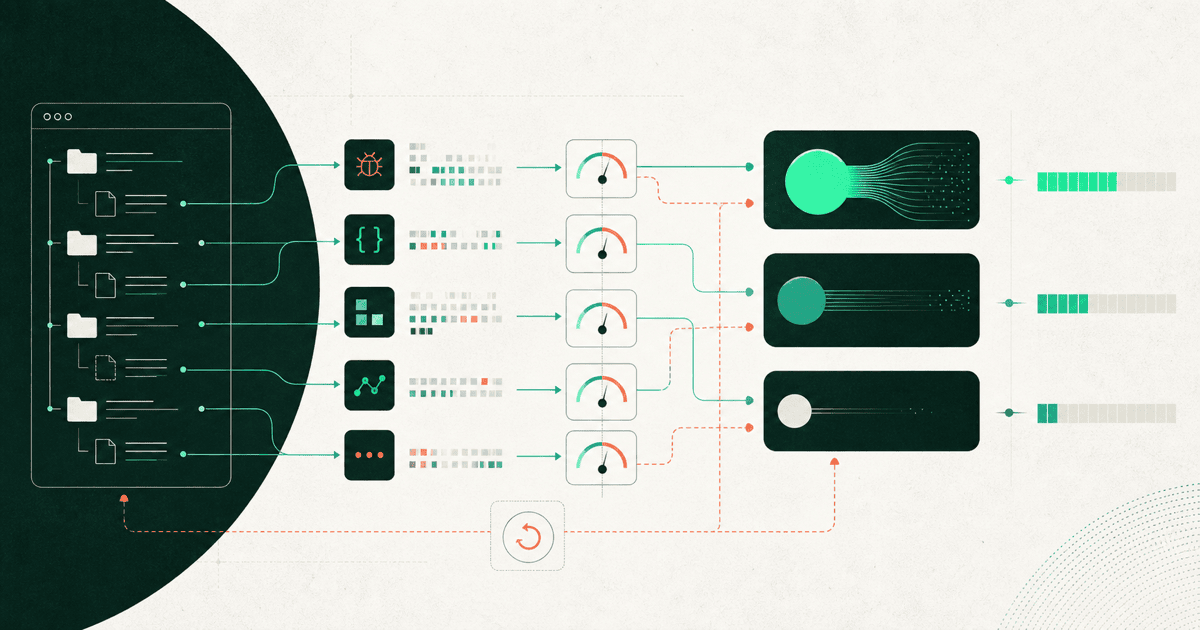
Configure an OpenAI-compatible model in Continue with provider: openai, its exact model ID and apiBase. Assign only the roles you intend to test. Chat, edit, apply, autocomplete and embeddings are different jobs; one successful chat request does not validate all of them.
If the current goal is replacing a paid chat model while retaining a working local autocomplete model, change only the chat entry. This keeps the experiment small and makes latency or editing regressions easier to locate.
Start with an explicit chat configuration
Continue's OpenAI provider documentation describes custom API bases and the useResponsesApi option. Its configuration reference defines model roles and capability fields. Follow the version of that schema used by your installed extension.
name: KeepRouter chat trial
version: 1.0.0
schema: v1
models:
  - name: KeepRouter text check
    provider: openai
    model: free
    apiBase: https://keeprouter.com/v1
    apiKey: REPLACE_WITH_YOUR_KEEPROUTER_KEY
    useResponsesApi: false
    roles:
      - chat
This is a local configuration template. Replace the placeholder using the credential mechanism supported by your installation, and do not commit the populated file. The free route is for a short text connectivity check. A paid coding model needs a separate capability and budget evaluation.
The base URL ends at /v1; Continue adds the operation path. Start a fresh chat with a tiny question about a visible fixture file. Inspect which model is selected rather than assuming the newly added entry became the default.
Match roles to user-visible work
| Role | Useful trial | Failure that chat alone misses |
|---|---|---|
| Chat | Explain a short function | Missing repository context |
| Edit | Propose a scoped change | Wrong edit format or changed requirements |
| Apply | Apply a reviewed change | Incorrect patch placement |
| Autocomplete | Complete an unfinished expression | Excessive delay or irrelevant text |
| Embed | Index and retrieve code snippets | Incompatible vectors or endpoint |
Keep autocomplete on the working model while trying a chat replacement. It operates under a different interaction pattern: many short requests, often while a developer is still typing. A model that produces excellent long explanations may be an unsuitable autocomplete choice even when its token price is lower.
The distinction also matters for cost. An accepted chat answer may involve one request, while background completions can create many requests that the user never accepts. Count accepted suggestions and interruption time rather than treating every response as value.
Check which API the client selected
Continue documents model-dependent Responses API behavior and a way to select Chat Completions instead. If a compatible endpoint returns a path or feature error, inspect the actual operation before editing credentials. For this chat trial, useResponsesApi: false makes the intended protocol explicit.
Do not use useLegacyCompletionsEndpoint as a general repair switch. The legacy Completions endpoint is a different request shape from Chat Completions. A fix that removes one error can simply move the request to another unsupported route.
Start with ordinary text and no image or tool capabilities declared. Add those only after checking the selected route. Capability declarations influence client behavior; they do not cause an upstream service to implement an absent feature.
Evaluate chat and edits on the same small project
Use a fixture containing a function, its test and one nearby distractor file. Ask the model to explain the function's current behavior, then change one named behavior without modifying the public signature. Check whether the proposed edit matches the actual file and whether the test runner confirms it.
For example, a string helper might trim outer spaces while preserving interior spaces. Ask for an empty-string test, then verify that the model did not replace every space in the input. The expected behavior is authored by you and independent of the model's explanation.
Repeat from the same project revision for each candidate. Record whether the selected context included the relevant test. Comparing one model with the test visible and another without it is not a fair model comparison.
Diagnose configuration and task failures separately
| Symptom | Investigation |
|---|---|
| New model never appears | YAML validity and loaded configuration |
| 401 from the API | Destination and credential source |
| 404 on an operation | API mode and duplicated path suffix |
| Chat works, edits fail | Role-specific prompt and patch handling |
| Autocomplete feels slow | Request frequency, latency and model role |
| Cost differs from estimate | Background calls, rejected suggestions and retries |
Avoid changing every model role at once to make a configuration file shorter. A slightly longer configuration with clear ownership is easier to operate than a single model whose behavior differs unpredictably across jobs.
Use the Continue quickstart for the product-specific entry point and the model catalog for exact supported IDs. The cost calculator can estimate a trial budget, but reconcile it with actual calls and accepted work. Keep the previous configuration available until the new chat or edit role passes its own fixture.
Frequently asked questions
Can one model handle every Continue role?
Sometimes, but each role needs its own capability and latency check. A working chat configuration does not establish autocomplete, embeddings or patch-application quality.
Why is Continue calling responses?
Its endpoint selection can depend on the model and configuration. Check the provider documentation and set useResponsesApi deliberately for the route you are testing.
Should I use the free route for coding evaluation?
Use it for basic text connectivity only. Evaluate the actual coding model on a scoped task with its documented capabilities and current price.
Sources reviewed
Article last reviewed 2026-09-29