Ollama vs Hosted APIs: Cost, Capacity and Break-Even
Compare local Ollama inference with hosted model APIs using hardware, power, operations and accepted-task costs. Include capacity before trusting break-even math.
Published 2026-09-29 · Updated 2026-09-29 · KeepRouter Editorial · 5 minute read
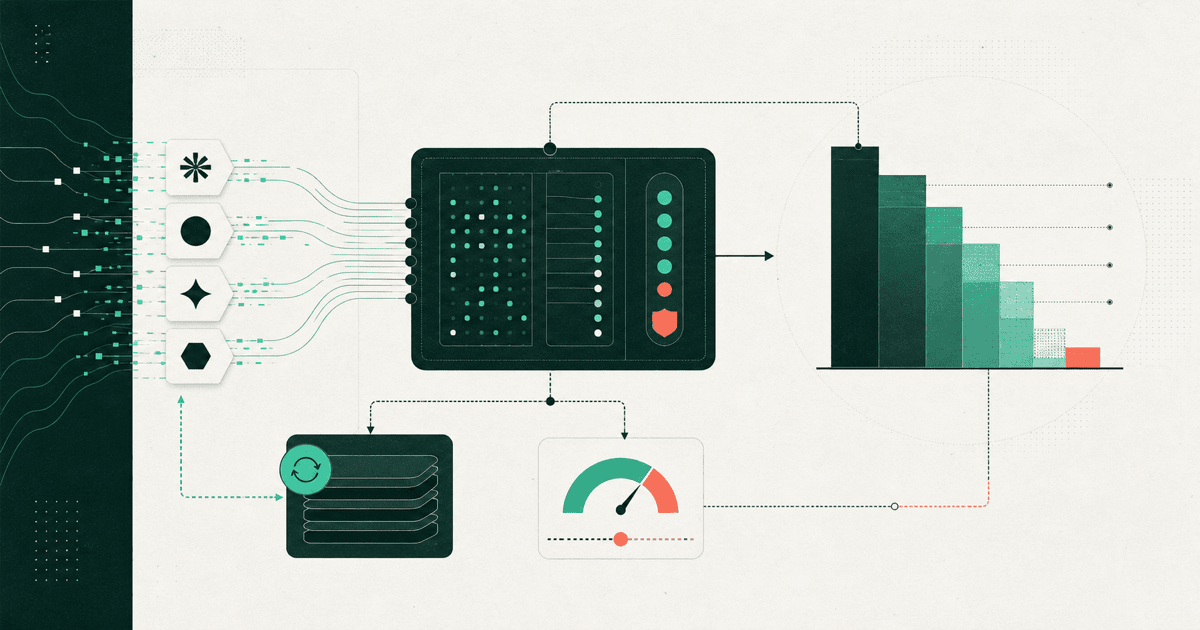
Local Ollama inference can be economical for a suitable model and a steady workload on available hardware. Hosted APIs can be economical when demand is small or variable, or when the task needs a model your machine cannot run well. Compare the cost of accepted tasks at the latency you require, including hardware and operating work.
This article concerns models running locally through Ollama versus a hosted model service. Ollama also documents cloud access; choosing an Ollama client does not by itself establish that inference remains on your machine. Identify the actual endpoint and model deployment before making cost or data-flow claims.
Establish what is comparable
Ollama's compatibility documentation describes support for a subset of the OpenAI API. That can simplify client experiments, but it does not make two model weights, quantizations or capabilities identical. Record the local model tag and quantization, the hosted model ID and the request format.
Ollama's context guide also explains context configuration and memory implications. A model that loads successfully at a short context may behave very differently with long prompts and concurrent requests. Test the context your application needs, not only a one-sentence demo.
| Decision factor | Local inference | Hosted API |
|---|---|---|
| Upfront resources | Hardware capacity must exist | Usually starts from usage or a service plan |
| Capacity changes | Constrained by your machines and configuration | Constrained by service quotas and available capacity |
| Operating work | Model downloads, upgrades, monitoring and recovery | Integration, limits, billing and failure handling |
| Data flow | Depends on actual local deployment and connected tools | Includes the chosen remote service |
| Quality | Depends on local model and configuration | Depends on the selected hosted model and route |
These are evaluation categories, not promises that one option always wins. A local app that sends embeddings, tools or fallback requests remotely is not an entirely local pipeline.
Build a reproducible monthly estimate
Consider an illustrative local deployment with $1,200 of incremental hardware allocated over 24 months, giving $50 per month. Assume $11 for electricity and $100 for operating time, for a total of $161. These are hypothetical assumptions; they do not describe a particular GPU, energy tariff or real installation.
Suppose the hosted alternative costs an effective $0.01 per accepted task, including its retries. Under this simplified fixed-cost local model, the nominal break-even point is 16,100 accepted tasks per month.
hardware_monthly = 1_200 / 24
electricity_monthly = 11
operations_monthly = 100
local_monthly = hardware_monthly + electricity_monthly + operations_monthly
hosted_per_accepted_task = 0.01
break_even = local_monthly / hosted_per_accepted_task
print(local_monthly)        # 161.0
print(round(break_even))    # 16100 accepted tasks
At 10,000 accepted tasks, that hosted assumption gives $100, while the local allocation remains $161. At 30,000, it gives $300. The second comparison is useful only if the local machine can actually complete 30,000 acceptable tasks within the required deadlines.
For an existing computer, calculate an incremental view as well as a fully allocated view. Sunk purchase cost may not drive the next decision, but power, maintenance and competing uses of the machine still matter. Label which view you use. Do not count the same hardware purchase both as an upfront monthly expense and an amortized charge.
Check capacity before believing the threshold
Measure end-to-end completion time and accepted output at expected concurrency. Include warm and cold starts if both occur in your application. A fast single-user result does not establish acceptable queue time when several users arrive together.
Use three workloads: a short classification, your typical prompt and a near-limit context. For each, record input length, generated output, concurrent jobs, completion latency and acceptance. Keep the input fixtures constant between local and hosted candidates. Do not compare a local one-word response with a hosted multi-paragraph answer and call the timing a model advantage.
If a local test sustains only 8,000 accepted tasks within your monthly operating window, a 16,100-task financial threshold is unreachable on that configuration. More hardware changes both the numerator and capacity, so redo the estimate. Likewise, hosted rate limits can prevent a seemingly cheap API from meeting a peak deadline; check the 429 planning guide.
Include quality and recovery work
Define acceptance before running the test. For an invoice classifier, require the correct category, a valid schema and an explicit unknown result for documents outside the taxonomy. Track all attempts, including malformed output and a second model used to repair the first answer.
If local inference needs hosted fallback for difficult cases, add those charges to the local design. Keep the fallback criteria explicit and record the rate. That mixed design can be useful, but a cost comparison that excludes its remote calls understates the bill.
For interactive tools, also check features that affect successful work: structured output, tool arguments, streaming and cancellation. A compatible client connection is a starting point. The migration checker can help inspect supported request configuration without sending an inference call, but it cannot measure local hardware capacity or model quality.
Pick the next experiment
Keep local inference when it meets the workload's quality and timing requirements at an acceptable total cost. Choose hosted inference when the needed capability, peak capacity or operating simplicity outweighs its usage charges. Keep a mixed design only when its routing and total costs are visible.
Use the API cost calculator for a hosted model-token estimate and the model catalog for candidate capabilities. Replace every illustrative assumption above with measured task usage, current prices and your hardware estimate. The resulting decision will be about a working application, rather than whether the model runner itself is free to install.
Frequently asked questions
Is local Ollama always cheaper than an API?
No. Compare hardware, power, operating work, capacity and accepted-task quality against the hosted bill. Low utilization or frequent fallback can change the result.
Does using Ollama mean all requests stay local?
No. Identify the actual deployment and endpoint. Cloud models, remote embeddings, tools or fallbacks can introduce remote processing even when the client runs locally.
What makes a break-even calculation usable?
Use explicit cost assumptions and verify that the local configuration can deliver the required number of accepted tasks within the deadline. Financial thresholds without capacity evidence are incomplete.
Sources reviewed
Article last reviewed 2026-09-29