GPT vs Claude vs Gemini for Document Extraction: Test Plan
Compare GPT, Claude and Gemini for document extraction using the same fixtures, evidence rules and cost ledger. Separate PDF support from extraction accuracy.
Published 2026-09-29 · Updated 2026-09-29 · KeepRouter Editorial · 5 minute read
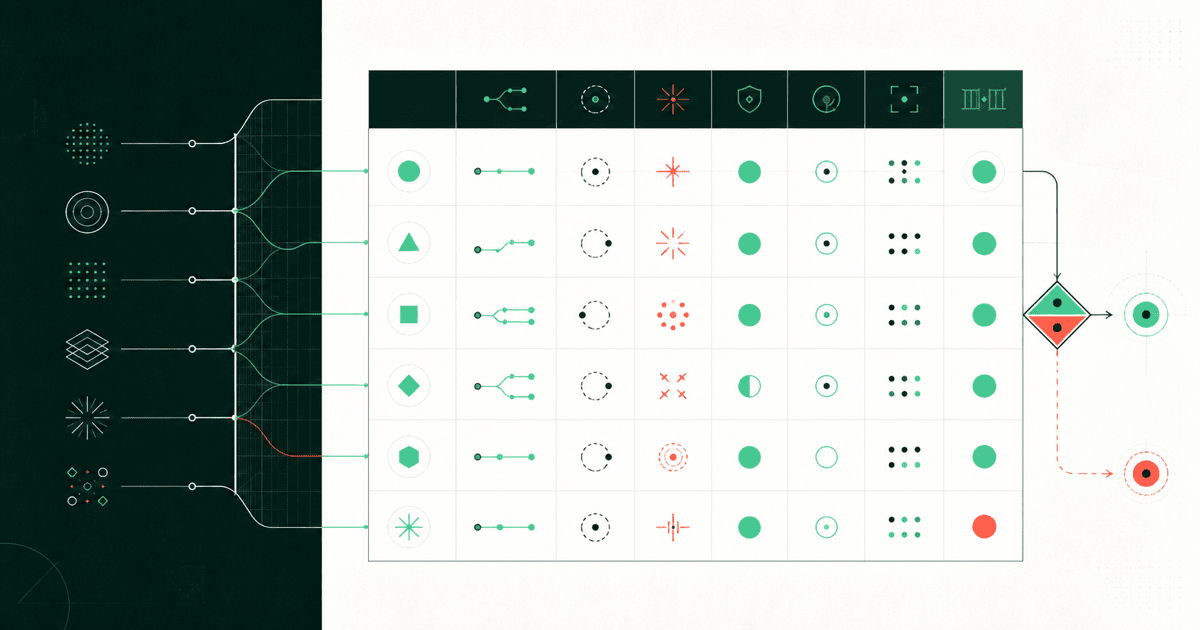
Choose a document-extraction model by testing the documents and fields your application actually processes. GPT, Claude and Gemini are model families, not three fixed accuracy scores. The useful comparison specifies a model revision, input pipeline, endpoint, prompt and acceptance rule for every candidate.
The framework below is an evaluation design with original fictional fixtures. It is not a benchmark result and does not rank a vendor without measurements. Its purpose is to help you turn a vague “best model for PDFs” question into a purchase and implementation decision.
Compare the input pipeline first
The official OpenAI file-input guide, Claude PDF guide and Gemini document guide each document native document processing. Supported formats and request shapes depend on the selected API and model. A compatible text-generation endpoint does not automatically implement those native file workflows.
| Candidate | Establish before testing | Record with the result |
|---|---|---|
| GPT on a chosen route | Supported file input and model vision capability | Endpoint, model ID and input representation |
| Claude on a chosen route | PDF support and any platform-specific requirements | Model ID, document handling and request options |
| Gemini on a chosen route | Document support, media settings and input limits | API version, model ID and media representation |
Run two separate experiments if needed. In a text-only experiment, extract text once and pass the same text to every candidate. In an end-to-end PDF experiment, send the original document through each supported native pipeline. The first isolates downstream extraction reasoning; the second includes differences in document reading. Do not combine the scores as if the inputs were identical.
For scans, dense tables and diagrams, inspect what the pipeline actually preserves. A text-only conversion can lose the layout that distinguishes a unit price from a total. No prompt can recover a value that never reached the model reliably.
Create fixtures with known answers
Start with a small set your team can label manually. Include clean documents, missing fields, confusing alternatives and contradictions. Keep a separate holdout set for the final comparison so you do not tune prompts only to the examples used during development.
Here is a fictional invoice fixture you can copy into a test document:
Document: INV-DEMO-17
Supplier: North Example Studio
Currency: USD
Subtotal: 120.00
Tax: 5.40
Total due: 125.40
Payment terms: Net 30
Issue date: not provided
Footer: Previous invoice balance was 98.00; already paid.
The required output is the current total of 125.40, currency USD, invoice ID INV-DEMO-17 and a null issue date. Reject an invented date, the previous balance of 98.00 or a computed due date when the issue date is absent. Require the source line or page reference for each non-null field.
Add a table fixture where two columns contain similar amounts and a contract fixture where a later amendment changes an earlier term. These test different failures. A model that succeeds on a clean invoice may still fail when layout or precedence matters.
Grade fields and complete records separately
Valid JSON only proves syntax. Use the structured-output guide to separate schema checks from business rules. Normalize harmless formatting, such as whitespace, before comparison, but do not normalize away a wrong currency or missing sign.
| Metric | Definition for this evaluation |
|---|---|
| Field accuracy | Correct requested fields divided by all requested fields |
| Complete-record acceptance | Documents with every required check passing divided by all documents |
| Unsupported-value rate | Returned values without supporting evidence divided by returned values |
| Review rate | Documents requiring a person divided by all documents |
| Cost per accepted record | All relevant attempt charges divided by accepted records |
Publish the denominator and missing-field policy with each metric. A candidate returning null for everything might avoid unsupported claims but fail extraction. One returning every field confidently might look complete while inventing values. Both cases need to be visible.
Measure the operating cost
Include OCR or parsing charges, model attempts, retries and review time. For an illustrative calculation, candidate A costs $2 for 100 documents and accepts 80; candidate B costs $3 and accepts 95. Model cost per accepted record is $0.025 for A and about $0.0316 for B. These are fictional values, not model measurements.
That calculation alone does not choose a winner. If the remaining records require expensive review, B may have a lower total operating cost. Measure review minutes and error severity rather than assigning an invented dollar value to trust. Also record completion latency under the concurrency you expect to use.
Make the deployment decision explicit
Choose the least expensive candidate that meets your acceptance and latency requirements on the holdout set. Where evidence is missing or rules conflict, route the record to review instead of silently accepting a plausible answer. Keep the original document reference attached to the result so a reviewer can resolve the issue.
Use the model catalog to shortlist available models and their supported inputs. If your current route supports text but not the required native file operation, test the shared-text experiment or use a documented file-capable destination. Review the API reference before wiring uploads into the application. A successful short text call is the start of integration, not proof that a complete document pipeline is ready.
Frequently asked questions
Which is best for extracting fields from PDFs?
There is no result-independent winner here. Test exact model revisions and input pipelines on labeled documents, then compare complete-record acceptance, review work and total cost.
Does OpenAI-compatible mean native PDF support?
No. Compatibility for a text endpoint does not establish file upload, document parsing or vision support. Check the exact route and model before using native document inputs.
Is valid JSON enough to accept an invoice?
No. Validate the schema, values, missing-field behavior and evidence. A well-formed object can still contain the wrong total or an invented date.
Sources reviewed
Article last reviewed 2026-09-29